01Coach
You build the programme
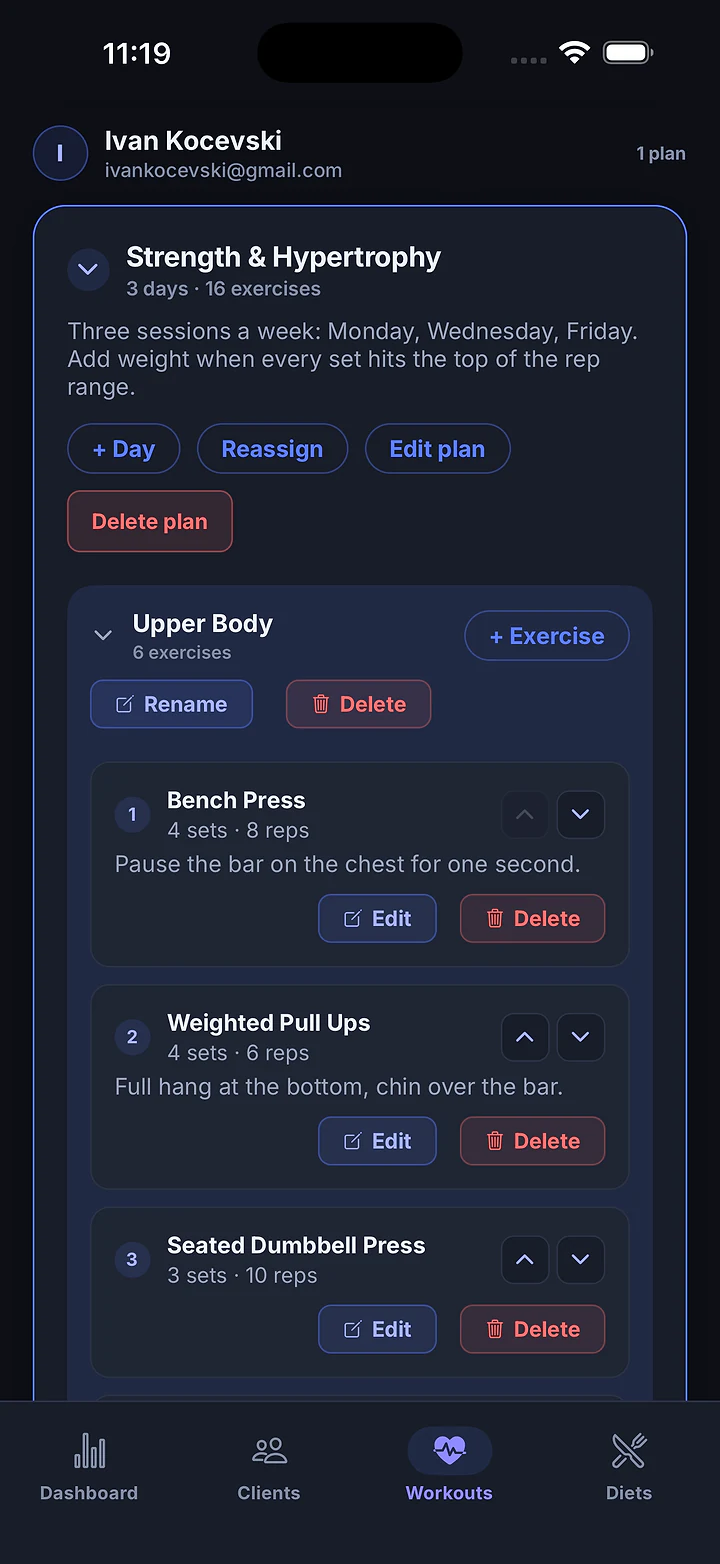
Workout plans with sets, reps, rest, coaching cues and your own demo videos. Meal plans with a calorie target and macro split. A supplement stack for each client.
CubeFit is one app with two sides. You build the workouts, meal plans and supplement stacks. Your clients train with them, set by set, and everything they log lands on your roster.
You write the programme on your phone. Your client trains with it on theirs. What they lift comes straight back to you, so next week's plan starts from real numbers.
Workout plans with sets, reps, rest, coaching cues and your own demo videos. Meal plans with a calorie target and macro split. A supplement stack for each client.
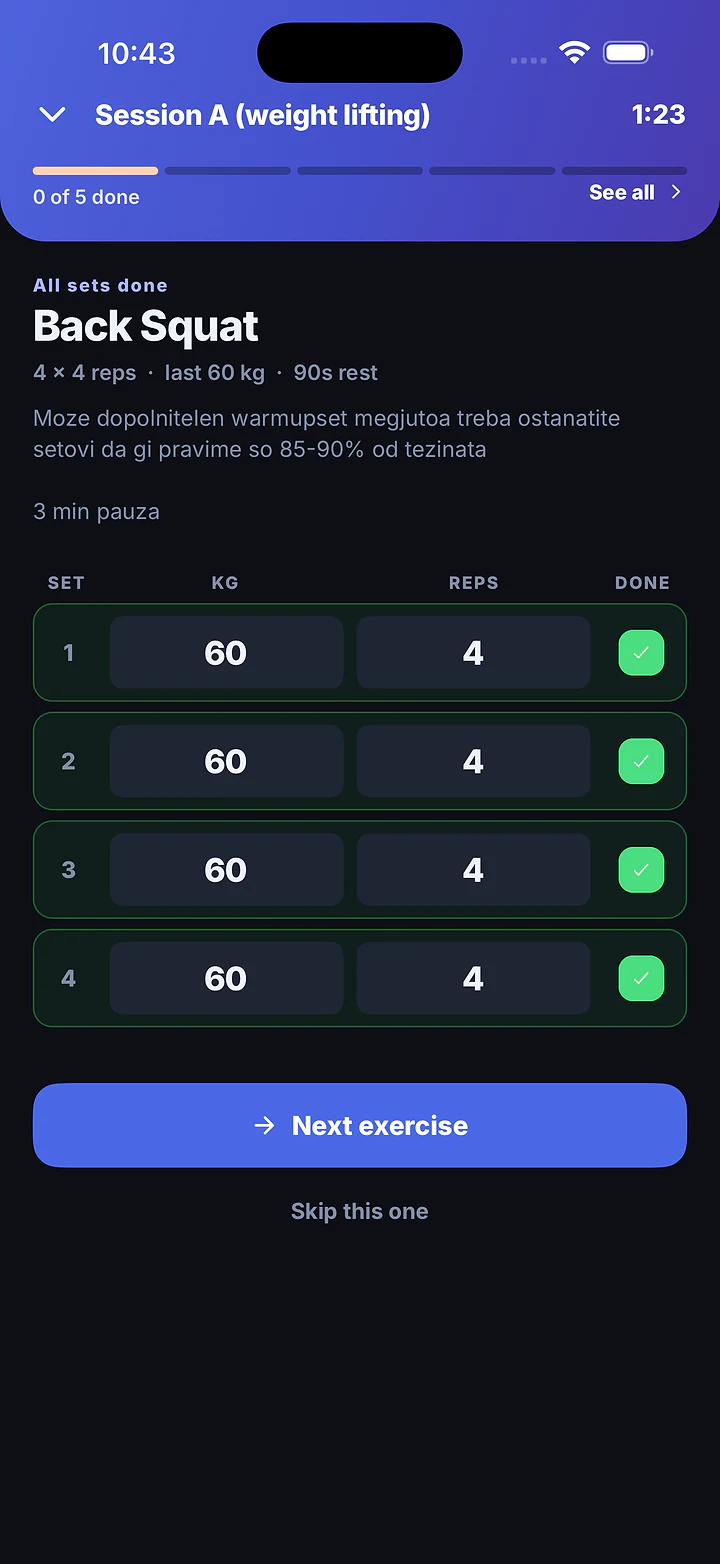
The guided session puts one exercise on the screen. They log every set on a big number pad, rest on a timer, and see “+2.5 kg on last time” before they leave the rack.
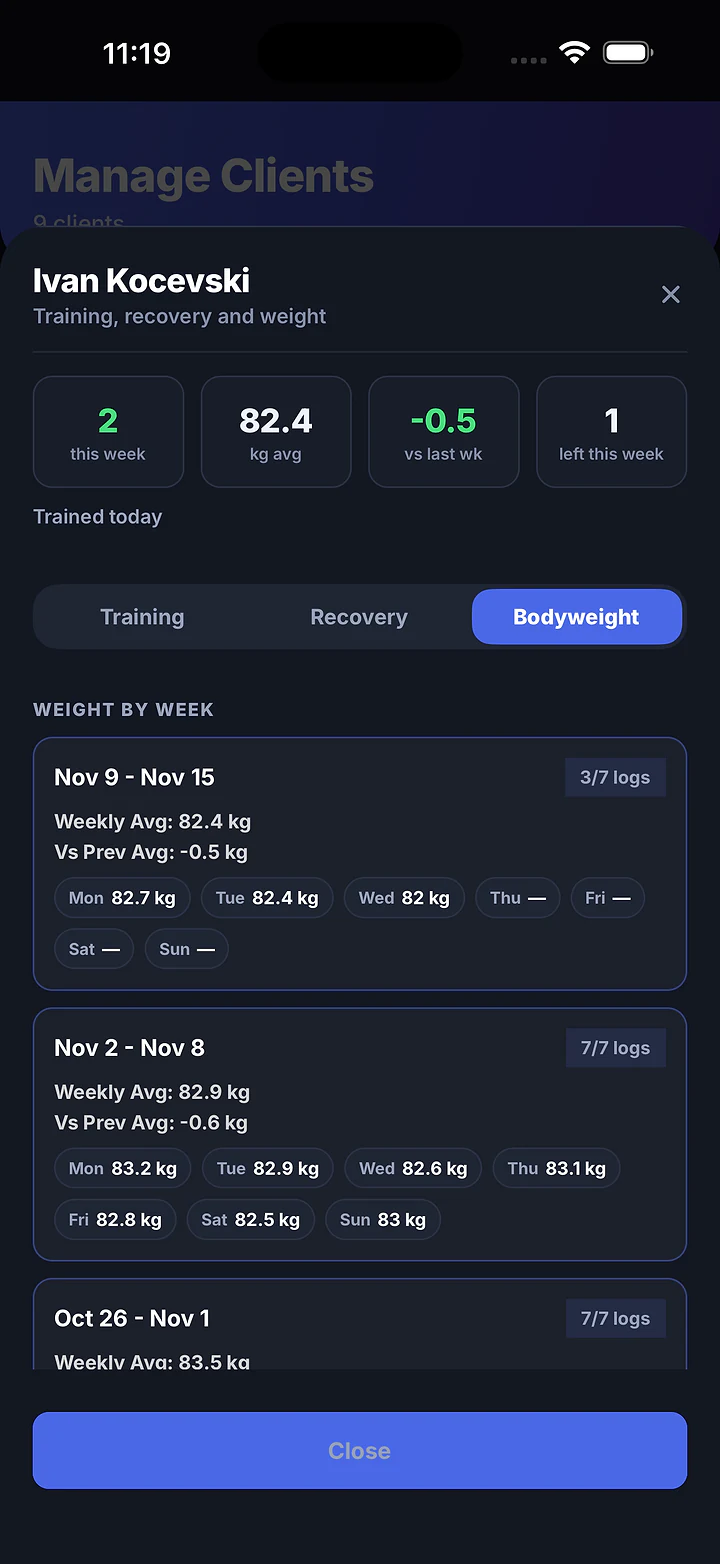
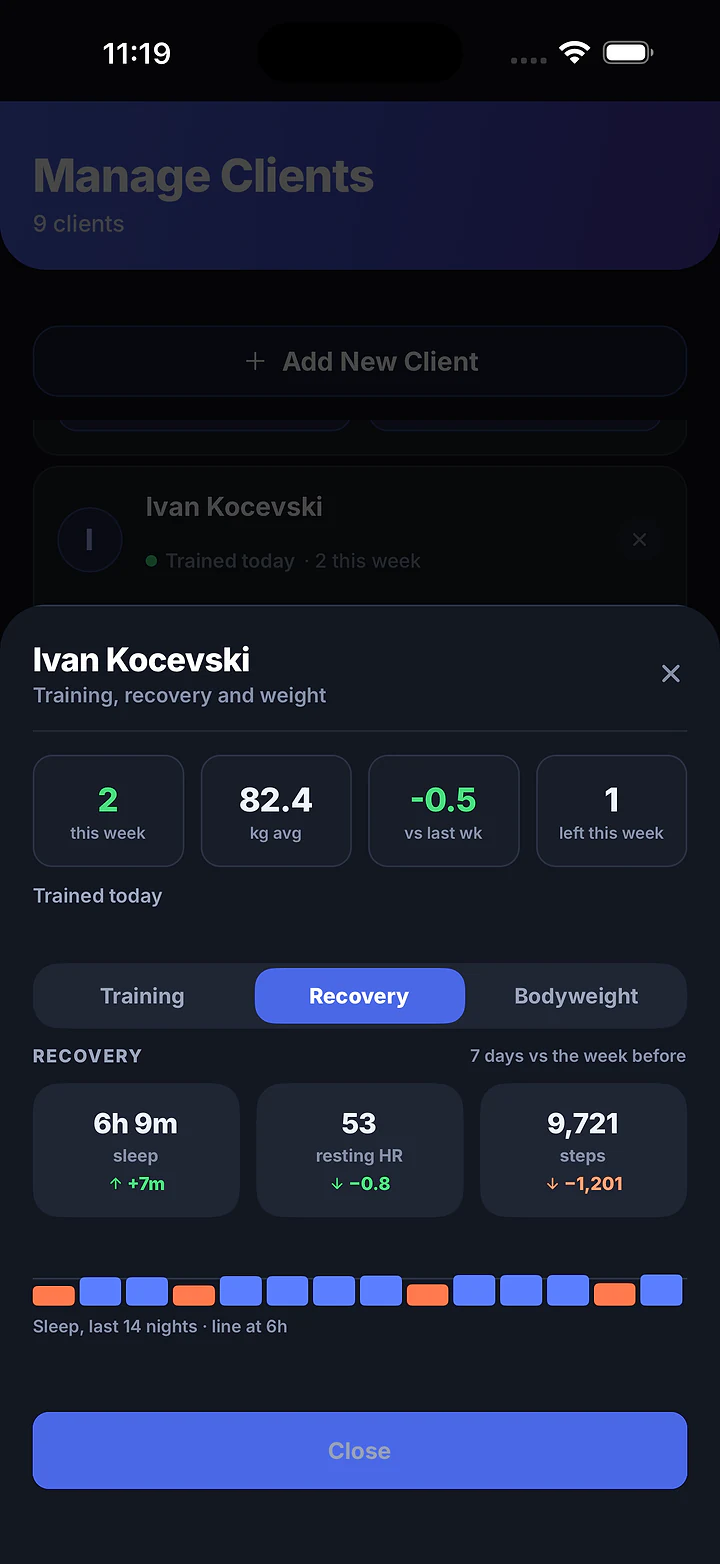
Each client's sheet shows every set they logged, their bodyweight by week, and the sleep and resting heart rate they chose to share. No screenshots sent over chat.
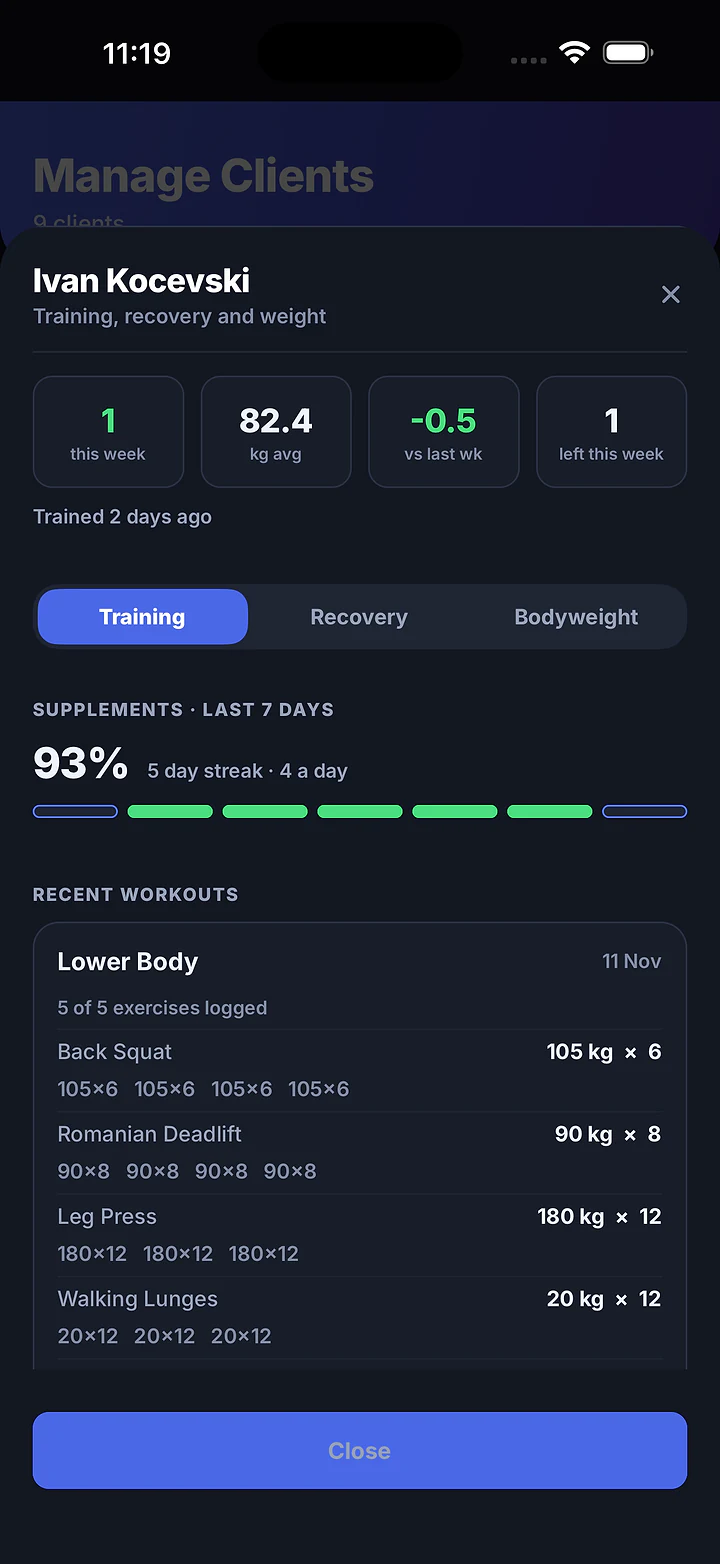
Plans, meals, supplements, sessions and every client's numbers, in one app built around the way personal trainers work.
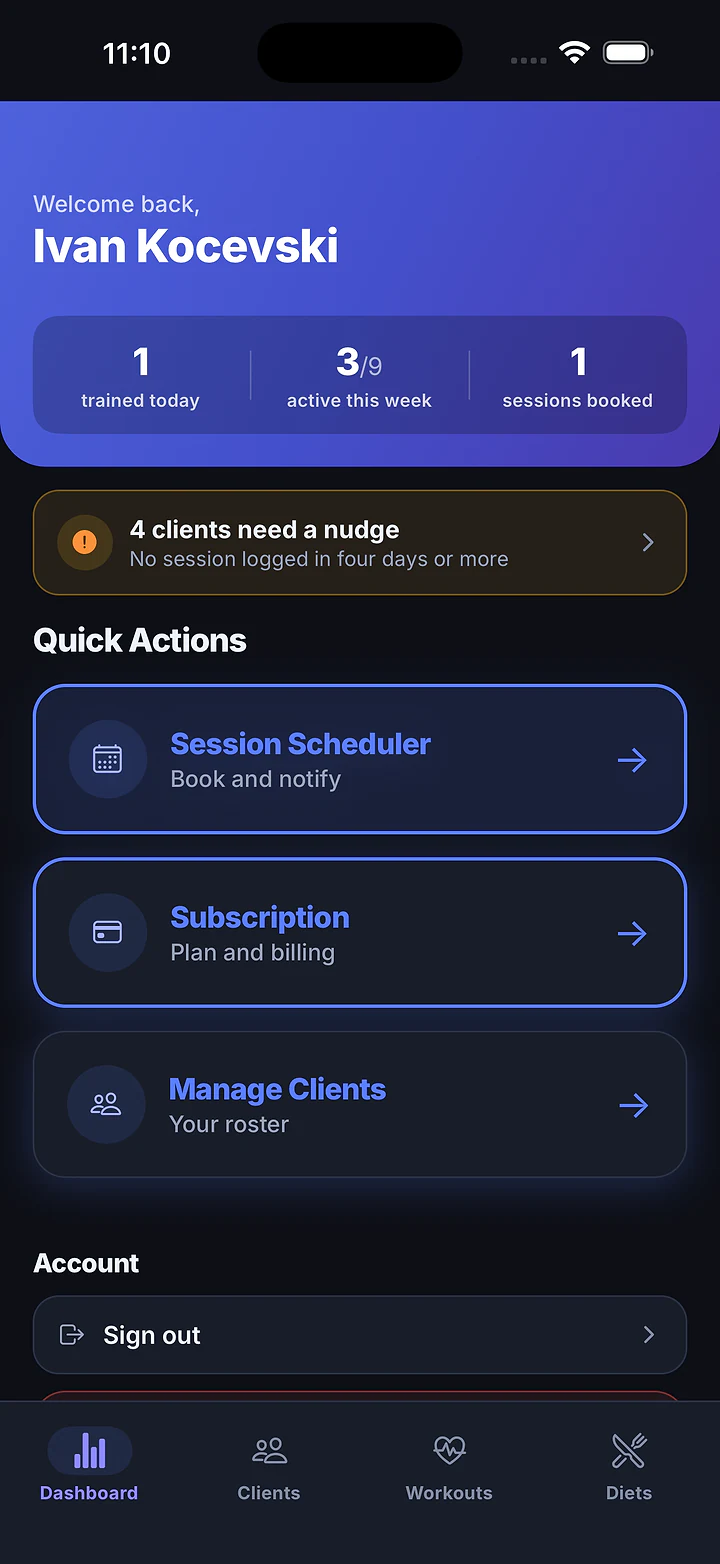
The first screen tells you who trained, who's on track this week, and who has gone quiet.
Trained today, active this week (as 3/9), and sessions booked.
Anyone with no session logged in four days or more is flagged. One tap opens your roster.
Session Scheduler, Subscription and Manage Clients, one tap each.
Trained today, active this week, and who needs a nudge.
Book 1:1 calls, check-ins and form checks from the dashboard. Pick a client, a date, a time and a duration. Before you confirm, it tells you exactly what the client will receive. Connect Google once, and the calendar follows the session for its whole life.
The button can't double-book on a double tap. All Upcoming Sessions lists everything, one tap to reschedule or cancel.
Pick the client, date, time and duration. Google Calendar creates the event and a Meet link, and the client gets an email invitation and a push notification.
The same calendar event moves. The Meet link stays the same, and the client is notified.
The calendar event is deleted and the client is told.
The client's phone reminds them 30 minutes before the session starts, even with no signal.
Today's workout, today's meals, water, supplements and an eight-week view of their progress. Free for every client you coach.
A full-screen mode for training with the phone propped against a rack. At the end, a Session complete summary names the lifts that went up.
Prop the phone on the rack. The weight field is already in front of you.
Kilograms and reps on a large number pad, then “Set N done”.
Starts after each set with the coach's rest time, or 90 seconds. Skip rest ends it early.
Every lift is compared with last time, and a “number went up” moment pops up when it beats it.
A plank asks for seconds, not reps × kg. Bodyweight moves don't demand a weight.
The coach's video plays without leaving the session.
Skipped exercises come back before the session lets you finish.
Every tick is saved. The session resumes at the first unfinished exercise.
A day streak, sessions this week as 2/3, bodyweight against last week, and the daily calorie target from the diet plan.
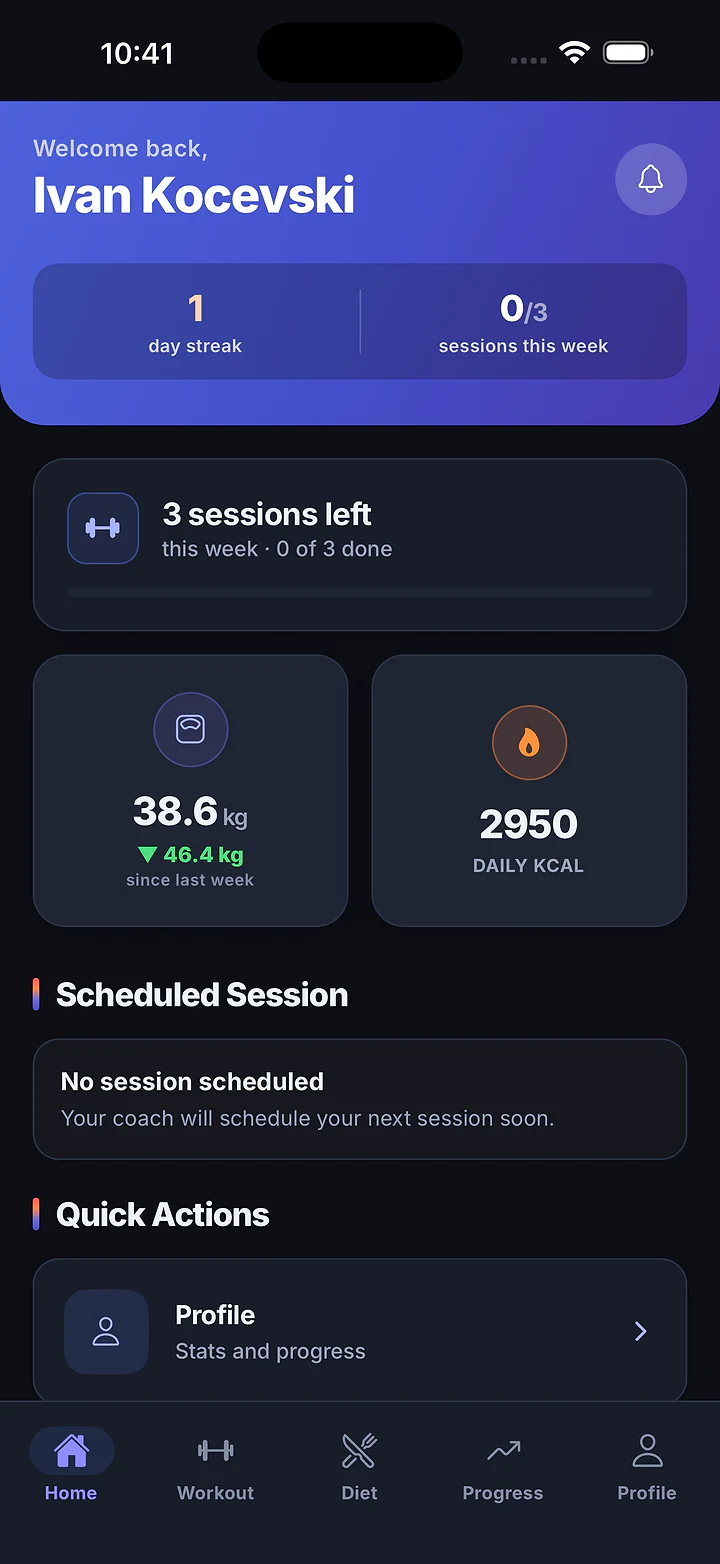
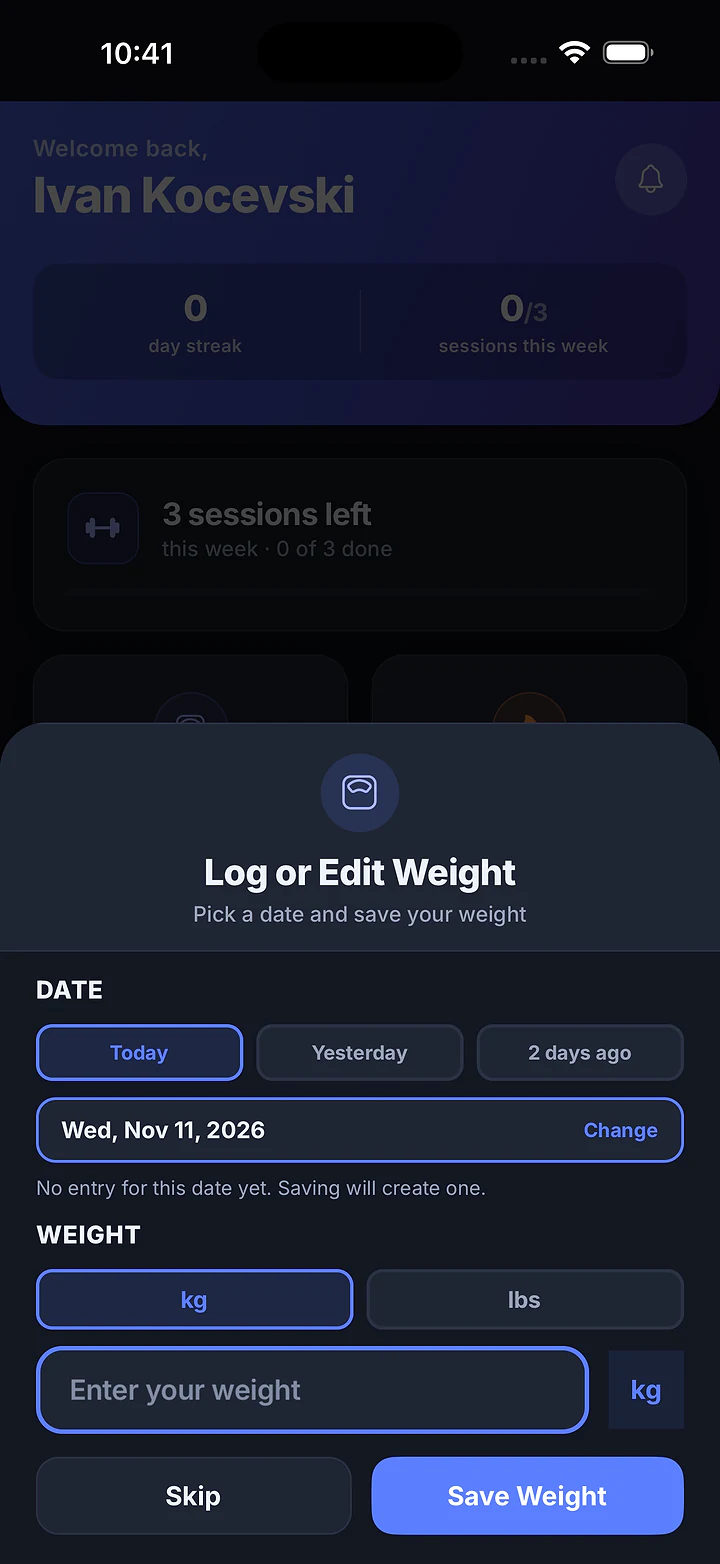
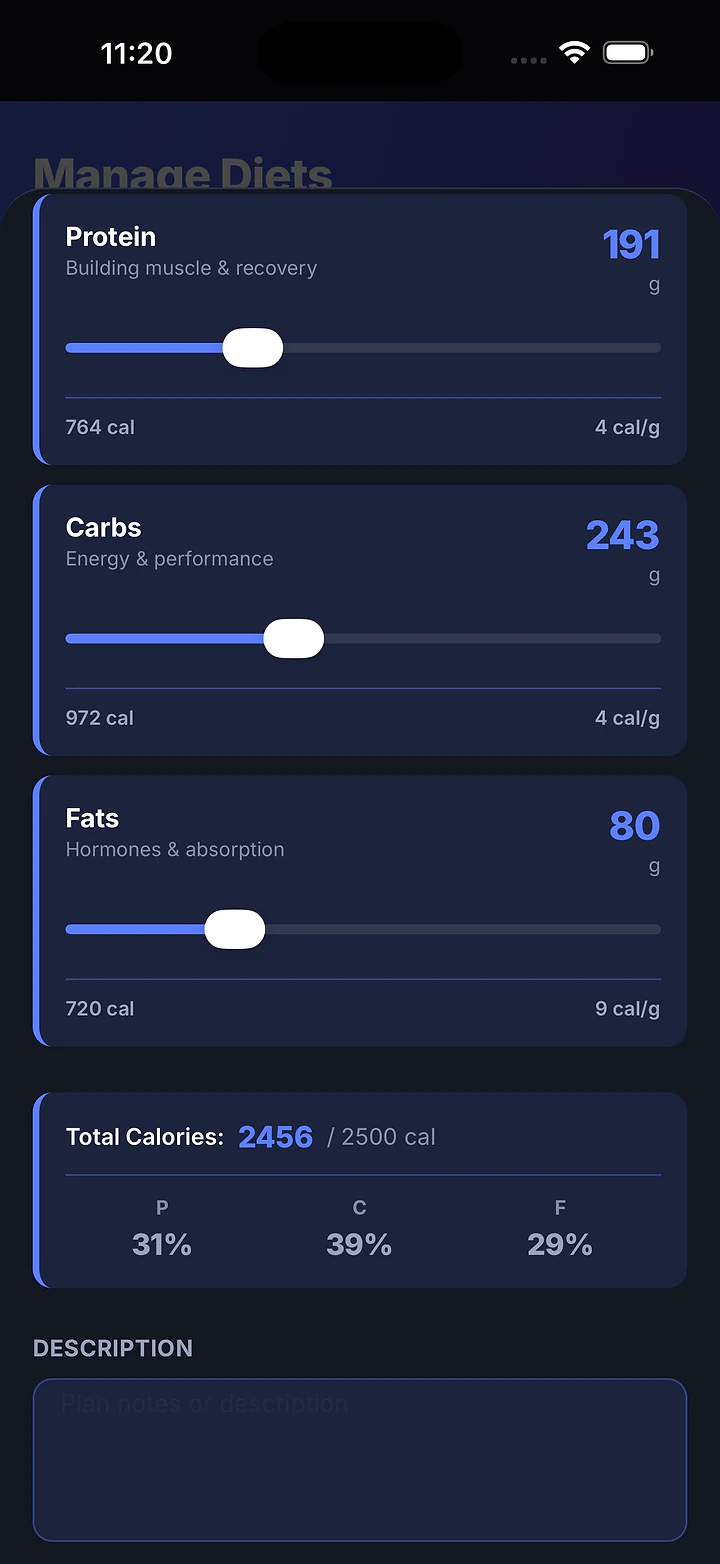
Two of CubeFit's screens, rebuilt so you can use them right here. Balance a meal plan the way a coach does, then log a set the way your client will.
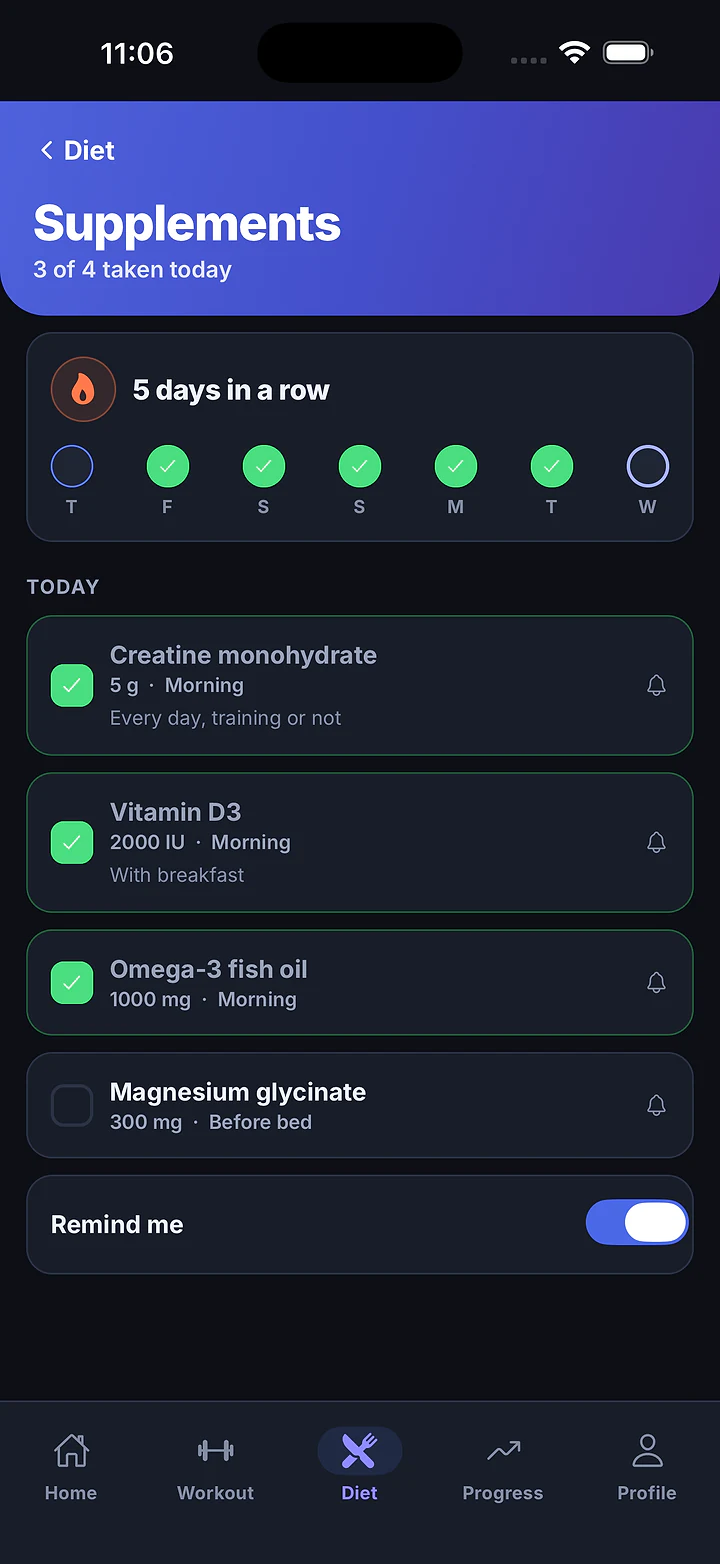
Calls, food, water, supplements and recovery: the things that happen between sessions, in the same app as the plan.
Book a 1:1 call, check-in or form check. With Google connected, the client gets a Meet link and an email invitation. Without it, an in-app notification.
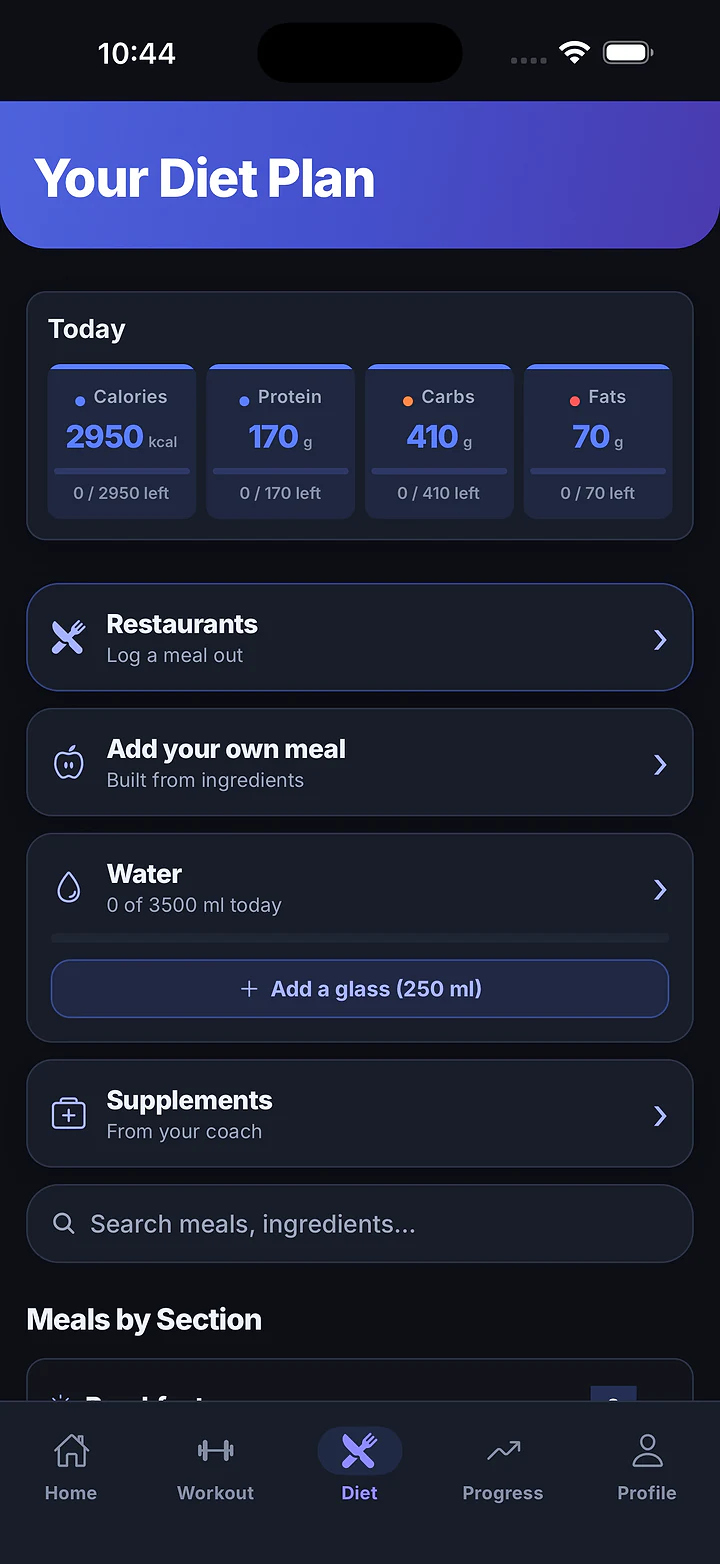
Log a meal out from a real menu with macros per dish: Fitness House (122), Нешто Здраво (44) and a 21-recipe high-protein cookbook.
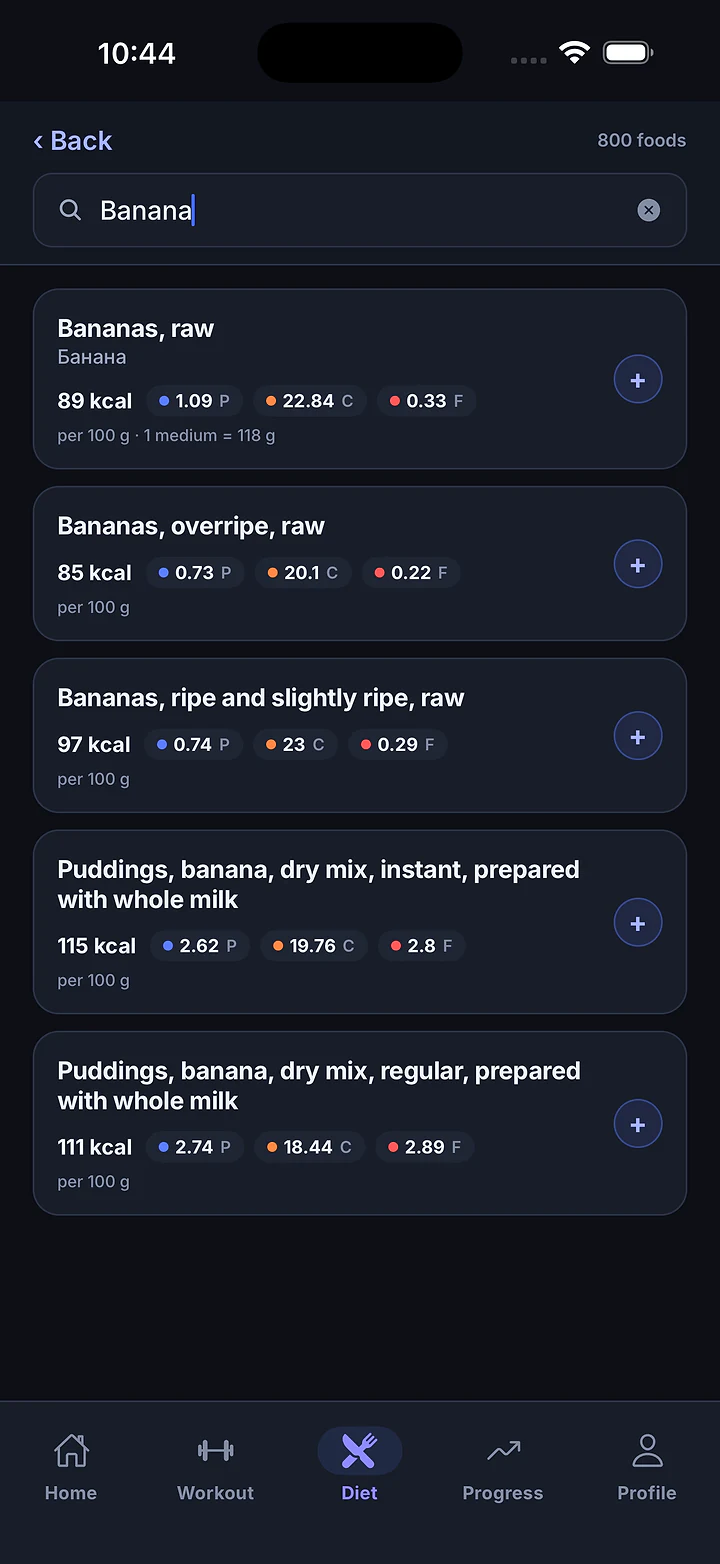
USDA-based, with Macedonian names and keyboards. Meals name themselves: “Bananas, Oats +1”.
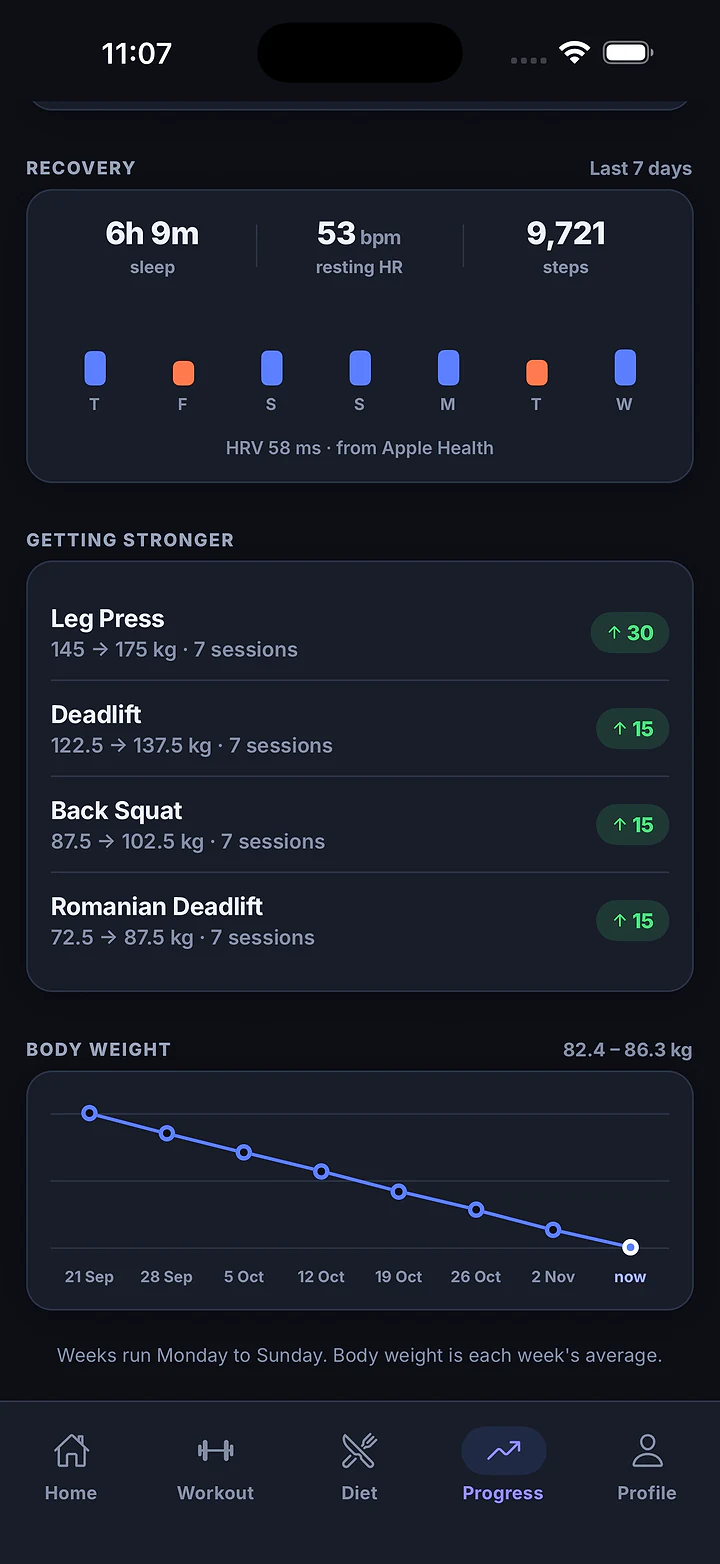
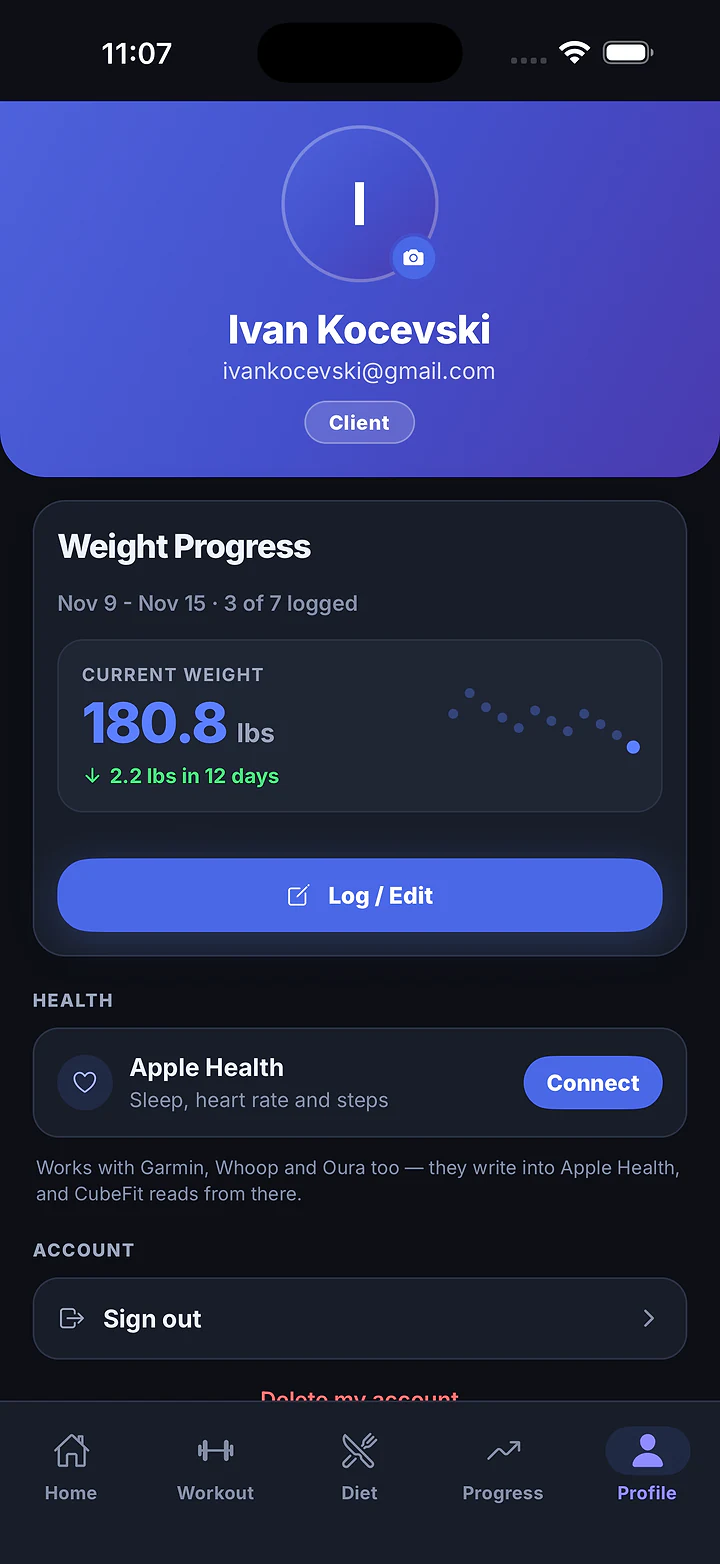
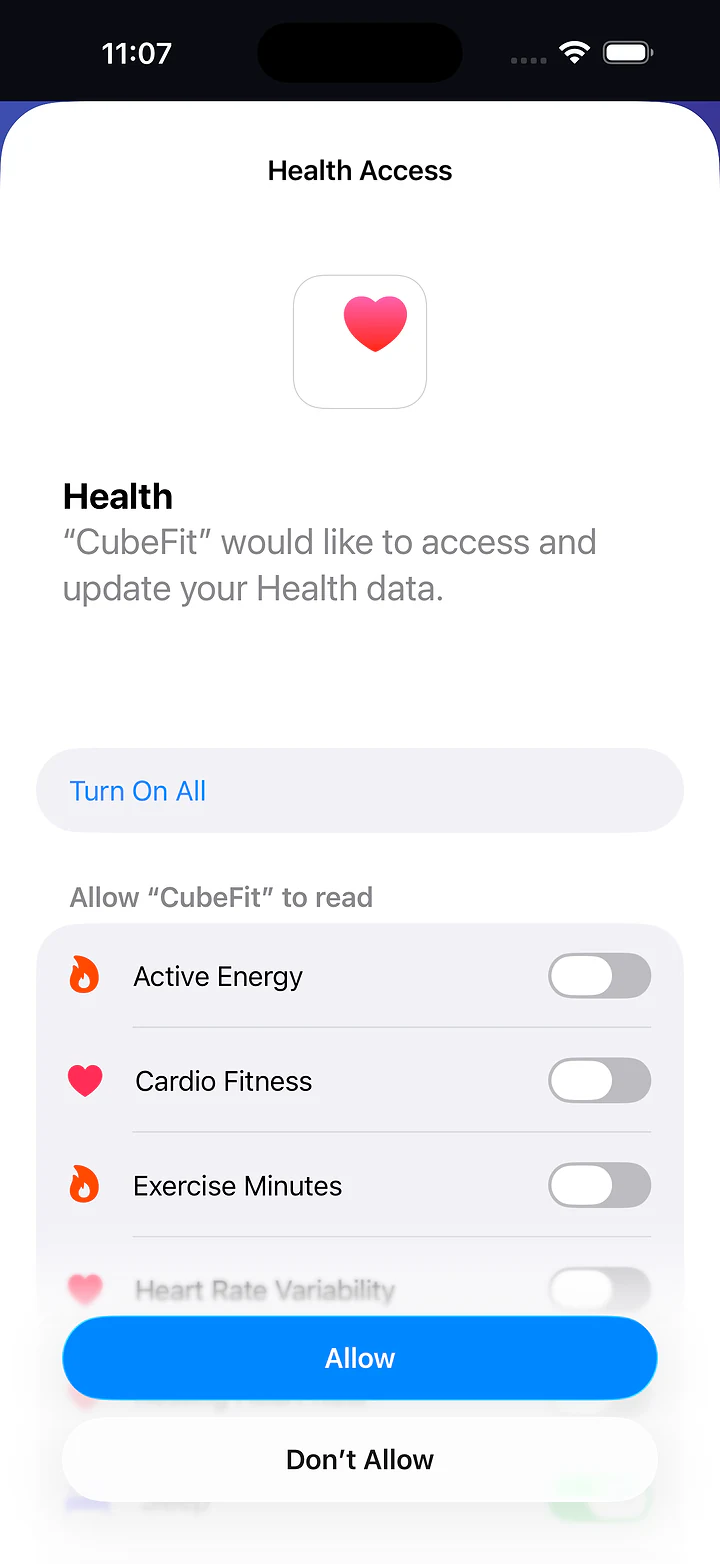
Sleep, resting heart rate, steps and HRV, shared with the coach only if the client switches it on.
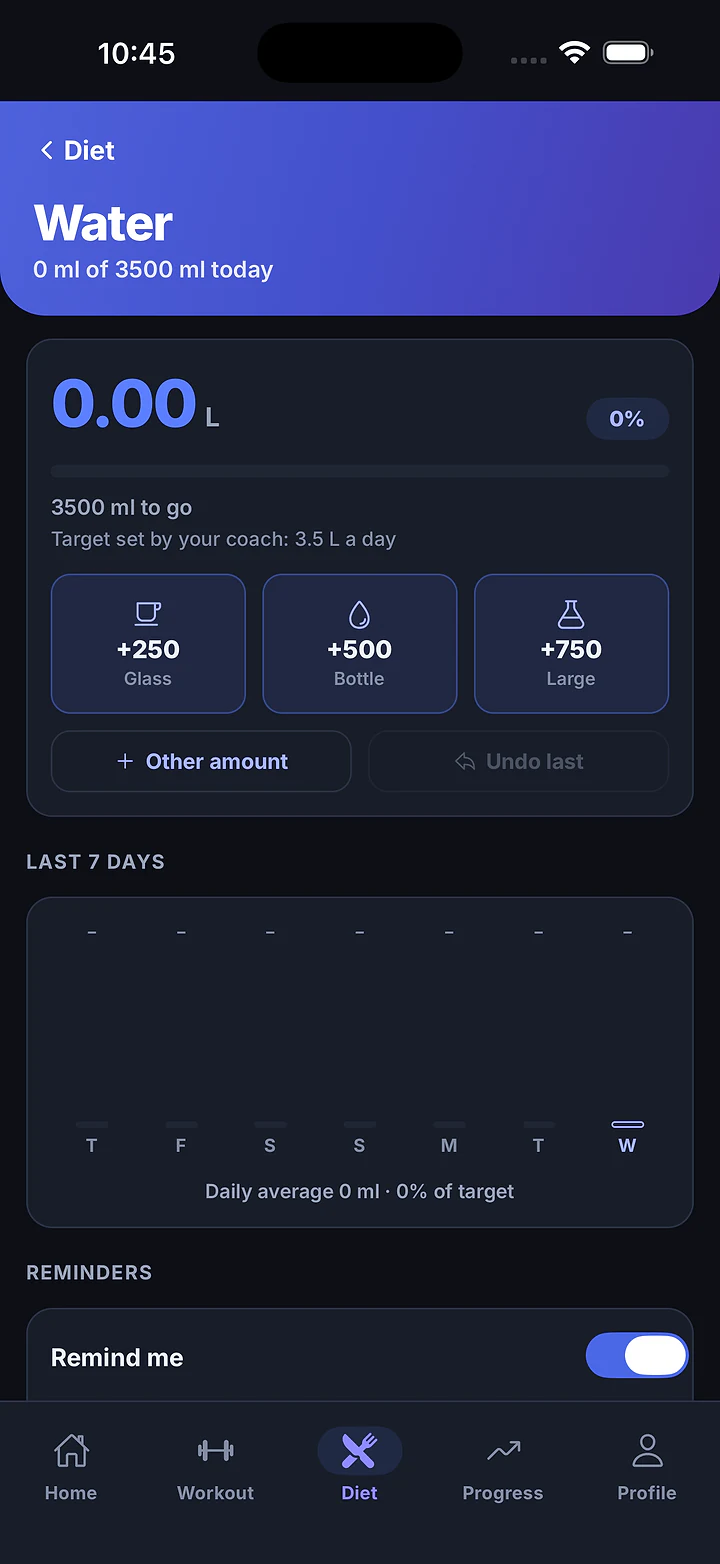
One-tap glass, bottle or large. Undo last, 7-day history, gentle reminders.
Session reminders, water and supplements are scheduled on the phone, so they fire with no signal.
 CUBEFITnow
Move your existing meal library in from a spreadsheet. Download the template below.
name,description,calories,protein,carbs,fats,…
Greek Yogurt Berry Bowl,…,320,28,36,7
Avocado Egg Toast,…,410,22,34,20
Protein Oatmeal,…,380,30,45,9Coaches see only their own clients. Health data is shared by consent. Both roles can delete their account in the app.
No automated nagging. Clients hear about the sessions you book and the reminders they switch on themselves.
Session booked, rescheduled or cancelled
Push + in-app list Client
Session starts in 30 minutes
Local reminder Client
Drink water
Local, spread across the day Client (opt-in)
Supplements due, with a Taken button
Local, one per timing Client (opt-in)
Google Meet invitation
Email from Google Calendar Client (Google connected)
| What | How | Who |
|---|---|---|
| Session booked, rescheduled or cancelled | Push + in-app list | Client |
| Session starts in 30 minutes | Local reminder | Client |
| Drink water | Local, spread across the day | Client (opt-in) |
| Supplements due, with a Taken button | Local, one per timing | Client (opt-in) |
| Google Meet invitation | Email from Google Calendar | Client (Google connected) |
When a client connects Apple Health, CubeFit shows their sleep, resting heart rate, steps and HRV next to their training. You see it only if they choose to share it.
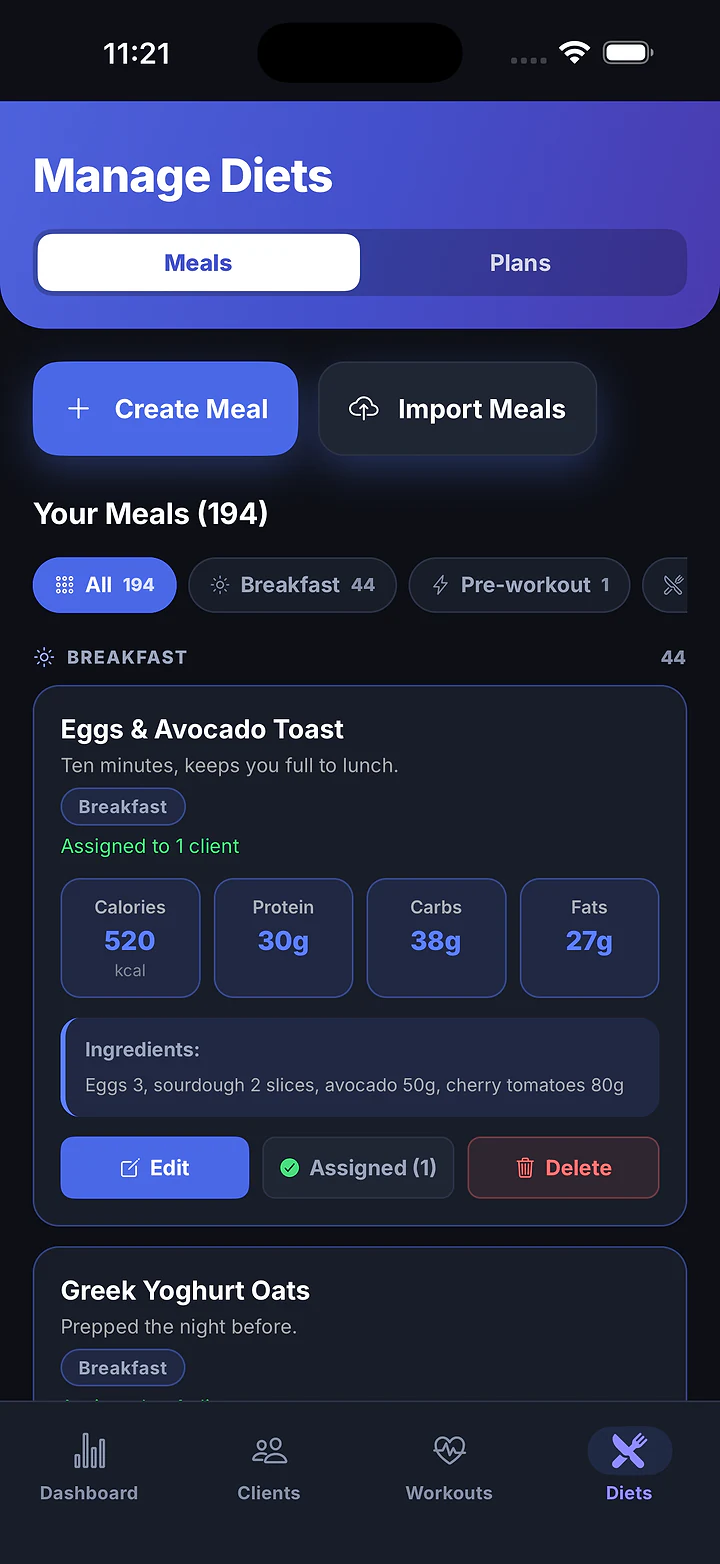
Already have your meals in a spreadsheet? Import the lot from a CSV instead of typing them in one by one.
A CSV with the right header and 30 example meals.
One meal per row, in Excel, Numbers or Google Sheets.
From Manage Diets in the app. Your library fills in at once.
Import again without worrying about copies.
cubefit-meal-import-template.csv
nameMeal name on the card
e.g. Greek Yogurt Berry Bowl
descriptionOne line under the name
e.g. High-protein breakfast with berries
calorieskcal per serving
e.g. 320
proteingrams
e.g. 28
carbsgrams
e.g. 36
fatsgrams
e.g. 7
ingredientsFree text. Wrap in quotes if it has commas
e.g. "Greek yogurt, mixed berries, granola, honey"
image_urloptionalOptional image link
assigned_to_client_idoptionalOptional. Assigns the meal on import
| Column | What goes in it | Example |
|---|---|---|
name | Meal name on the card | Greek Yogurt Berry Bowl |
description | One line under the name | High-protein breakfast with berries |
calories | kcal per serving | 320 |
protein | grams | 28 |
carbs | grams | 36 |
fats | grams | 7 |
ingredients | Free text. Wrap in quotes if it has commas | "Greek yogurt, mixed berries, granola, honey" |
image_urloptional | Optional image link | — |
assigned_to_client_idoptional | Optional. Assigns the meal on import | — |
Every plan has every feature. The only difference is how many clients you coach. Start with a 14-day free trial.
They download CubeFit, choose “I'm a Client”, and you add them by email. Every feature on the client side is free.
Prices in US dollars. Subscriptions are auto-renewing monthly in-app purchases through the App Store, which shows your local price. Cancel any time from your account settings; your plan keeps working until the end of the period you paid for.
Including what CubeFit doesn't do yet, so there are no surprises after you sign up.
Download CubeFit, choose “I'm a Coach”, and start the 14-day free trial. Your clients download it free and you add them by email.